

Staring at screens for hours is now a reality for most Australian professionals, yet few realise that over 65 percent report regular eye strain after long work days. This discomfort can creep in subtly, making sharp vision and on-trend style feel out of reach. The good news is that understanding strength reading glasses specifically designed for computer use can transform your daily comfort and bring back visual clarity without sacrificing looks.
Table of Contents
- Reading Glasses Strength For Computer Use Explained
- Types Of Reading Glasses And Key Features
- Choosing Diopter Strength For Screens
- Blue Light Lenses And Anti-Glare Options
- What To Avoid And Common Mistakes
Key Takeaways
| Point | Details |
|---|---|
| Effective Lens Strength | For computer use, select reading glasses with lens strengths between +0.75 to +1.50 diopters to minimise eye strain. |
| Specialised Features | Look for computer reading glasses with anti-reflective coatings and blue light filtering to enhance visual comfort during screen time. |
| Personalised Selection | Conduct a comprehensive eye examination and try multiple lens strengths to find the most comfortable option tailored to your individual needs. |
| Avoid Common Mistakes | Don’t use standard reading glasses for computer use; they are designed for closer distances and may cause discomfort and eye strain. |
Reading Glasses Strength for Computer Use Explained
Determining the right reading glasses strength for computer use requires understanding how digital screen viewing differs from traditional reading. Unlike reading printed text at close range, computer screens are typically viewed from a slightly greater distance of 20 to 26 inches. This difference means you’ll need a lower lens strength compared to standard reading glasses.
When selecting reading glasses for computer work, most professionals find success with lens strengths ranging between +0.75 to +1.50 diopters. These moderate strengths help reduce eye strain while providing clear visual support during extended screen time. Factors influencing your ideal lens strength include your existing vision prescription, screen resolution, ambient lighting conditions, and the total duration of daily computer use.
Precision matters when choosing computer reading glasses. Selecting lenses that are too strong can trigger uncomfortable side effects like blurred vision, eye fatigue, and persistent headaches. Conversely, glasses with insufficient strength won’t effectively alleviate digital eye strain. For Australian professionals spending significant time in front of screens, a comprehensive eye examination with an optometrist remains the most reliable method for determining your optimal reading glasses strength.
To help professionals find their ideal computer reading glasses, many eyewear specialists recommend a simple screening process. Start by testing different lens strengths in incremental steps, paying close attention to visual clarity and comfort. Understanding reading glasses for computer use can provide additional insights into making the right selection.
Pro tip: Consider scheduling an annual eye examination to reassess your computer reading glasses strength, as vision can subtly change over time.
Types of Reading Glasses and Key Features
Reading glasses have evolved significantly to meet the diverse visual needs of professionals spending extensive time in front of digital screens. Unlike traditional reading glasses designed solely for close-up text, modern eyewear now offers specialised options tailored to different viewing distances and digital environments. The primary categories include standard reading glasses, computer reading glasses, and progressive lens designs.
Computer reading glasses distinguish themselves through advanced features specifically engineered for digital work. These glasses typically include anti-reflective coatings that minimise screen glare and blue light filtering technology to reduce digital eye strain. The lens designs are precisely calculated to accommodate the intermediate viewing distance of 20-26 inches typical of computer screens, offering a more targeted visual solution compared to standard readers. Understanding lens types for reading glasses can provide deeper insights into these technological advancements.
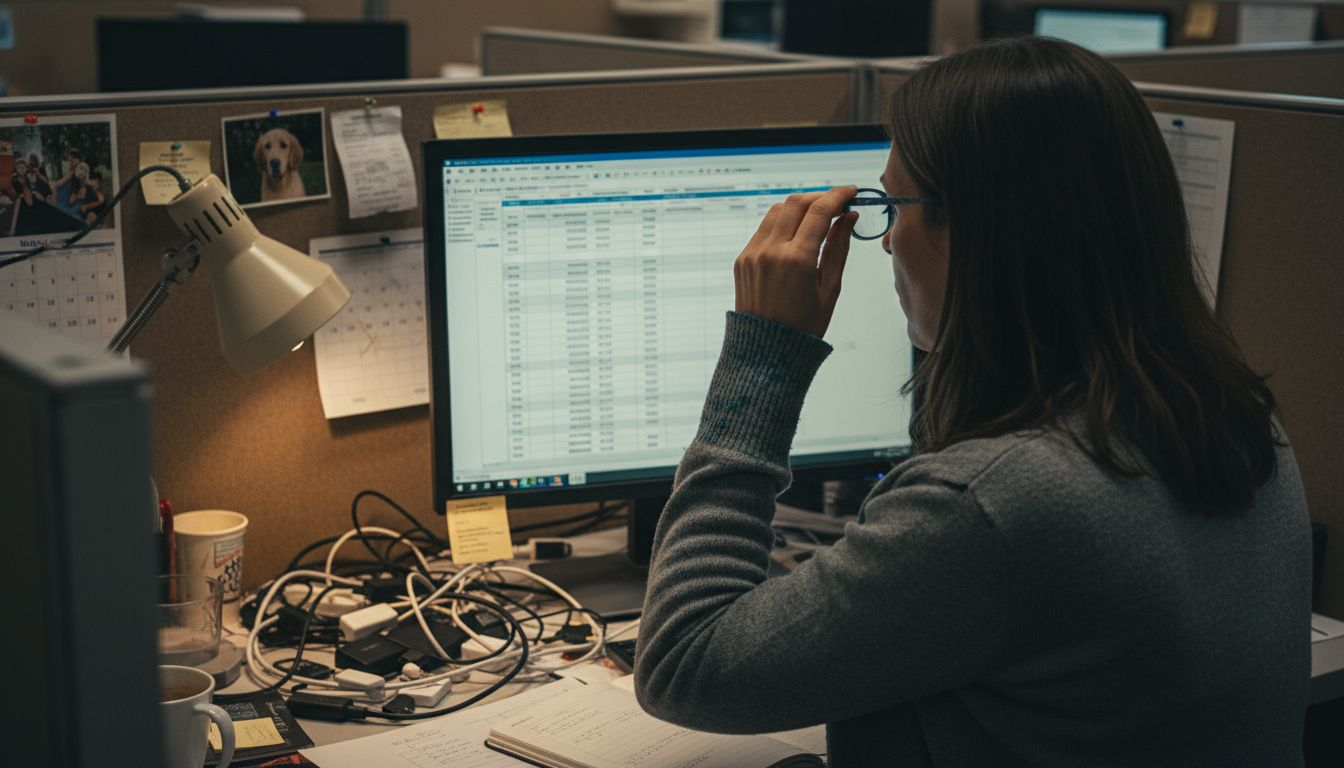
Key features that differentiate contemporary reading glasses include lens material, coating technologies, and frame designs. Polycarbonate and high-index lens materials offer lightweight comfort, while advanced coatings protect against UV radiation and reduce eye fatigue. Some specialised computer glasses incorporate prescription-grade corrections that address specific vision challenges encountered during prolonged digital work, making them a sophisticated solution for Australian professionals seeking optimal visual performance.
The market now offers multiple reading glasses variants to suit different work environments and personal preferences. Options range from full-frame reading glasses providing comprehensive lens coverage to rimless designs offering a more minimalist aesthetic. Bifocal and progressive lens styles cater to individuals requiring multiple vision corrections, allowing seamless transitions between screen distances and near-reading tasks.
Here is a quick comparison of reading glasses types for digital professionals:
| Type of Glasses | Ideal Use | Key Features | Typical Strength Range |
|---|---|---|---|
| Standard Reading Glasses | Printed text, books | Basic lens, no filtering | +1.00 to +3.00 dioptres |
| Computer Glasses | Computer screens, tablets | Blue light filter, anti-glare | +0.75 to +1.50 dioptres |
| Progressive Lenses | Multiple distances | Multifocal, seamless vision | Customised per user |
Pro tip: Consider trying multiple lens types and strengths during your next optometrist visit to find the most comfortable digital eye protection.
Choosing Diopter Strength for Screens
Selecting the appropriate diopter strength for computer reading glasses requires a nuanced understanding of how digital screen viewing differs from traditional reading. Diopter strength represents the lens magnification power that helps compensate for age-related vision changes and reduces eye strain during prolonged digital work. Unlike standard reading glasses designed for close-up text, computer glasses demand a more precise approach to lens power calculation.
Occupational vision specialists recommend computer glasses with approximately 60% of the magnification used in standard reading glasses, tailored specifically to the intermediate screen viewing distance of 20-26 inches. This calculation ensures optimal visual comfort without overcompensating, which can lead to eye fatigue or headaches. How to choose the right lens power for your reading glasses provides additional insights into navigating this complex selection process.
The ideal diopter strength varies based on individual factors such as age, existing vision prescription, and specific workplace requirements. Most Australian professionals find relief with lens strengths ranging from +0.75 to +1.50 diopters for computer use. Factors like screen resolution, lighting conditions, and daily screen time play crucial roles in determining the most suitable lens power. Some individuals might benefit from multifocal lenses that offer seamless transitions between screen distances and near-reading tasks.
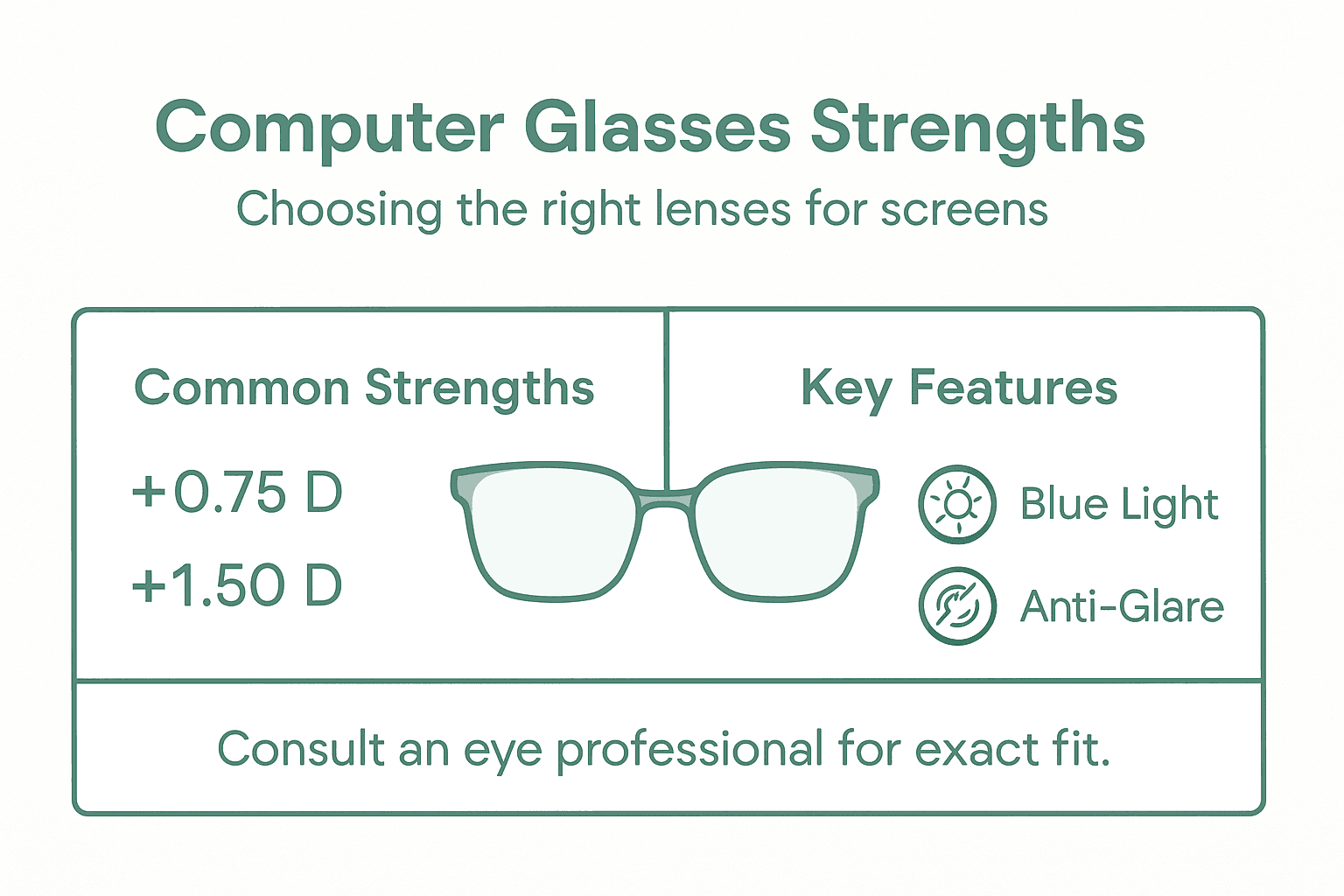
Professionals should approach diopter strength selection as a personalised process. While general guidelines provide a starting point, a comprehensive eye examination with an optometrist remains the most reliable method for determining precise lens requirements. Some eyewear specialists recommend trying multiple lens strengths and conducting practical tests in your actual work environment to find the most comfortable solution.
Pro tip: Conduct a 20-minute screen test with different lens strengths to identify the most comfortable and visually clear option for your specific workplace setup.
Blue Light Lenses and Anti-Glare Options
Digital eye protection has become increasingly sophisticated, with blue light filtering and anti-glare technologies emerging as critical features for professionals spending extensive time in front of screens. These advanced lens technologies address the unique visual challenges presented by digital displays, helping to mitigate eye strain, reduce visual fatigue, and protect long-term eye health for Australian workers who rely heavily on digital devices.
Blue light filtering technology works by selectively blocking harmful high-energy blue light wavelengths emitted by digital screens, smartphones, and computer monitors. These wavelengths can potentially disrupt sleep patterns and cause digital eye strain. Modern lens coatings are engineered to selectively filter out problematic blue light spectrum ranges while maintaining colour clarity and visual accuracy. What glasses help with computer eye strain provides additional context about these protective technologies.
Anti-glare coatings represent another crucial component of contemporary computer glasses. These sophisticated lens treatments reduce reflective light that causes visual discomfort, minimising eye fatigue during prolonged screen use. The coating works by reducing light reflection from screen surfaces and surrounding environmental sources, creating a more comfortable viewing experience. Advanced anti-glare technologies now integrate seamlessly with blue light filtering, offering comprehensive protection for digital professionals who require extended screen interaction.
Professionals seeking optimal digital eye protection should consider lens options that combine multiple protective technologies. Some advanced lens designs integrate blue light filtering, anti-glare coatings, and prescription corrections into a single, high-performance solution. Factors like lens material, coating quality, and individual visual requirements all play significant roles in selecting the most effective eye protection for digital environments.
To assist in selecting the right computer lenses, here is a guide summarising recommended features and their benefits:
| Lens Feature | What It Does | Benefit for Computer Users |
|---|---|---|
| Blue Light Filtering | Blocks high-energy blue light | Reduces digital eye strain |
| Anti-Glare Coating | Minimises light reflections on lens | Enhances comfort, lowers eye fatigue |
| Polycarbonate/High-Index | Provides lightweight, durable lens | Improves comfort for all-day wear |
| Prescription Options | Tailors lens to individual needs | Delivers optimal, precise vision |
Pro tip: Request a professional lens consultation to understand how specific blue light and anti-glare technologies can be tailored to your unique workplace and vision requirements.
What to Avoid and Common Mistakes
Selecting the right reading glasses for computer use involves navigating several potential pitfalls that can compromise visual comfort and eye health. Incorrect lens strength represents one of the most significant errors Australian professionals make when choosing computer eyewear. Selecting glasses with magnification that is too strong or weak for screen distances can lead to immediate discomfort and long-term vision challenges.
A critical mistake is using standard reading glasses designed for close-up text when working on digital screens. These glasses are typically calibrated for reading distances of 12-16 inches, whereas computer screens are viewed from 20-26 inches away. This difference means standard reading glasses can cause significant eye strain, neck tension, and visual distortion. Complete guide to reading glasses for computer use highlights the importance of selecting specialised computer eyewear.
Professionals often overlook crucial ergonomic considerations that complement their eyewear selection. Common errors include neglecting screen positioning, lighting conditions, and individual vision requirements. Some individuals mistakenly switch between multiple glasses without professional guidance, which can lead to inconsistent visual support. Additionally, failing to incorporate blue light filtering and anti-glare technologies can exacerbate digital eye strain and potentially disrupt sleep patterns.
Another significant mistake is skipping regular eye examinations or assuming a one-size-fits-all approach to computer glasses. Vision changes occur gradually, and what works effectively today might not provide optimal support in six months. Different workplace environments, screen types, and individual vision characteristics require personalised eyewear solutions. Relying on generic advice without professional consultation can result in suboptimal visual performance and increased eye fatigue.
Pro tip: Schedule a comprehensive eye examination annually and bring details about your specific work environment to ensure your computer glasses are precisely tailored to your needs.
Find Your Perfect Reading Glasses Strength for Computer Use Today
Struggling to find the right reading glasses strength for your computer screen can be frustrating and cause discomfort like eye strain and headaches. This article highlighted how crucial it is to choose lenses tailored to the intermediate distance of digital screens, usually between +0.75 to +1.50 diopters, combined with features like blue light filtering and anti-glare coatings. At Ministry of Sight, we understand these challenges and offer a curated selection of reading glasses designed specifically for computer use to help relieve eye fatigue and improve your screen clarity.
Explore our range of stylish and functional frames such as Rectangular Reading Glasses or the sleek and comfortable Super Cool Black Reading Glasses. Each pair can be customised with the ideal lens strength to match your vision needs. Shop now at https://ministryofsight.com.au and experience the difference of eyewear made for your digital lifestyle. Take control of your eye health and comfort with the right glasses designed for computer use today.
Frequently Asked Questions
What strength reading glasses are recommended for computer use?
Most professionals find lens strengths ranging between +0.75 to +1.50 diopters effective for computer use, as this lower strength helps reduce eye strain at the typical viewing distance of 20-26 inches.
How do I determine the right diopter strength for my computer reading glasses?
To select the right diopter strength, consult an optometrist for a comprehensive eye exam, consider your current vision prescription, and assess your screen resolution and lighting conditions.
What are the key features of computer reading glasses?
Computer reading glasses often include anti-reflective coatings to minimize glare and blue light filtering technology to reduce digital eye strain, offering a tailored solution for digital work.
Why should I avoid using standard reading glasses for computer use?
Standard reading glasses are designed for closer distances (12-16 inches) and may lead to discomfort, eye strain, and visual distortion when used for viewing screens that are positioned at 20-26 inches away.
Recommended
- Strongest Reading Glasses – What They Mean for You – ministry of sight
- Best Reading Glasses for Mature Men – Expert Comparison 2025 – ministry of sight
- Complete Guide to Reading Glasses for Computer Use – ministry of sight
- Understanding Reading Glasses for Computer Use Guide – ministry of sight
- Back to College: Fall Edition – Le Club Original


