

Staring at a computer screen all day can leave even the most focused Australian professionals feeling worn out and unfocused. With over 60 percent of digital device users reporting regular eye fatigue, finding the right reading glasses goes far beyond style. If you are seeking relief from digital eye strain while maintaining a polished image at work, discover what makes computer-specific reading glasses a smart, stylish tool for the modern Australian workspace.
Table of Contents
- What Are Reading Glasses for Computer Use?
- Styles and Variations for Aussie Workspaces
- Essential Features for Screen Comfort
- Risks and Common Mistakes to Avoid
- Costs, Value, and Smart Alternatives
Key Takeaways
| Point | Details |
|---|---|
| Specialised Design | Computer reading glasses are tailored for digital screen use, offering optimal vision at 60–80 centimetres, unlike standard reading glasses. |
| Essential Features | Look for blue light filtering and anti-reflective coatings to reduce eye strain and enhance visual comfort during extended screen time. |
| Common Mistakes | Avoid using regular reading glasses for computer work to prevent discomfort; ensure your eyewear matches your specific work tasks and distances. |
| Cost Management | Explore workplace reimbursement options and consider bulk purchase programs to manage the financial aspects of acquiring computer reading glasses. |
What Are Reading Glasses for Computer Use?
Reading glasses for computer use represent a specialised visual solution designed to address the unique challenges faced by professionals working extensively with digital screens. Unlike standard reading glasses, these specialised computer readers are engineered to provide optimal visual clarity at intermediate distances typical of workplace digital interactions.
Traditional reading glasses are optimised for close-range tasks like reading printed text, usually focused at distances around 30-40 centimetres. In contrast, computer reading glasses are calibrated for the intermediate screen viewing range of 60 to 80 centimetres, which matches most workplace monitor positions. This precise distance adjustment becomes increasingly critical as individuals age and experience natural reductions in lens flexibility, making standard reading glasses inadequate for sustained digital work.
The core design of computer reading glasses incorporates several key features to enhance digital comfort:- Specialised lens prescriptions that reduce eye strain- Anti-reflective coatings to minimise glare from digital screens- Slight magnification optimised for intermediate screen distances- Ergonomic frame designs supporting prolonged computer use
Top tip: When selecting computer reading glasses, prioritise frames that provide both visual comfort and professional aesthetic appeal.
Styles and Variations for Aussie Workspaces
Australian professionals require diverse reading glass styles that adapt seamlessly to modern, multi-device workspaces. The contemporary office environment demands flexible visual solutions that transition smoothly between different screen distances and work tasks, making specialised computer reader designs increasingly essential for workplace productivity.
Zeiss research highlights three primary lens design categories tailored for office environments: ‘Book’, ‘Near’, and ‘Room’ configurations. These designs offer progressively sophisticated visual support, ranging from standard reading glasses with expanded intermediate zones to highly customised indoor progressive lenses. Each category addresses specific workplace visual requirements, ensuring professionals can comfortably navigate digital screens, printed documents, and collaborative workspace interactions.

Here’s a concise comparison of different lens types suitable for Aussie digital workspaces:
| Lens Type | Typical Use Case | Visual Range (cm) | Benefits for Professionals |
|---|---|---|---|
| Standard Reading | Printed text, paperwork | 30–40 | Ideal for books, not screens |
| Computer Reader | Desktop computer, monitor work | 60–80 | Optimised for screen clarity |
| Indoor Progressive | Mixed screens, meetings, movement | 40–200 | Seamless transition across tasks |
| Office lenses | Extended digital and document use | Variable (customisable) | Customised for individual workspace needs |
Key style variations for Australian professionals include:- Frameless lightweight designs for minimal visual obstruction- Semi-rimless options providing professional aesthetic appeal- Full-frame models with robust build quality- Rectangular and rounded frames matching individual facial structures- Blue light filtering technology for extended screen protection- Lightweight materials like titanium and flexible polymers
Pro tip: Invest in adjustable nose pads and flexible frame materials to ensure maximum comfort during long working hours.
Essential Features for Screen Comfort
Australian professionals spending extensive hours in front of digital screens require sophisticated glasses designed for digital comfort, incorporating advanced technological features to protect visual health and maintain workplace productivity. Modern computer reading glasses have evolved beyond simple magnification, integrating multiple protective technologies that address the complex visual challenges of contemporary digital workspaces.
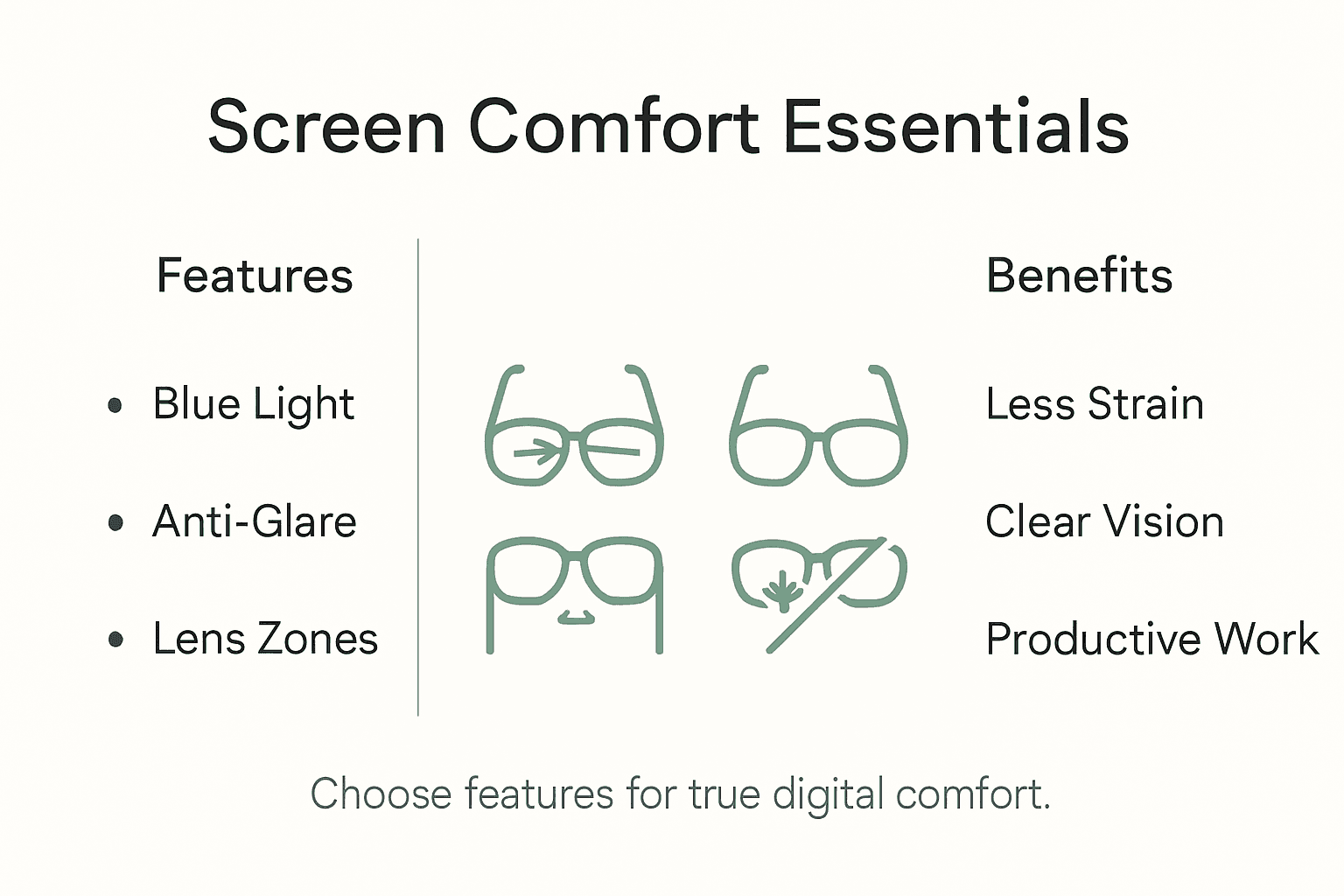
Lenovo research highlights critical features that transform standard eyewear into comprehensive digital protection solutions. Blue light filtering stands as a cornerstone technology, mitigating potential retinal damage and supporting healthier sleep cycles by reducing high-energy wavelengths emitted from computer screens. Anti-reflective coatings complement this protection by minimising glare, enhancing screen contrast, and reducing eye muscle tension during prolonged screen interactions.
Key technological features for optimal screen comfort include:- Precision-engineered intermediate zone lenses- Customisable prescription strengths- Blue light wavelength filtering- Advanced anti-reflective surface treatments- Lightweight, ergonomic frame designs- Adaptive lens technologies supporting multi-screen environments- Minimal peripheral distortion for seamless visual transitions
Pro tip: Select computer reading glasses with adjustable blue light filtering settings to accommodate different screen environments and times of day.
Risks and Common Mistakes to Avoid
Australian professionals frequently encounter visual challenges when selecting computer reading glasses, often making critical errors that compromise workplace comfort and long-term eye health. Understanding potential risks becomes paramount in preventing unnecessary strain and potential musculoskeletal complications associated with inappropriate eyewear choices.
One primary risk stems from using ordinary reading glasses for computer work, which can force unnatural head and neck positions that lead to significant physical discomfort. Incorrect lens selection can cause substantial problems, including blurred vision, persistent headaches, and increased eye strain. The Canadian Centre for Occupational Health and Safety warns that improper lens types—whether single-vision, bifocal, or progressive—can dramatically impact workplace ergonomics and personal comfort.
Common mistakes professionals should actively avoid include:- Relying on outdated prescription glasses- Neglecting to adjust screen ergonomics- Choosing glasses without blue light protection- Ignoring intermediate distance viewing requirements- Failing to regularly update eye examinations- Using one-size-fits-all reading glasses- Overlooking frame comfort and weight considerations
Pro tip: Schedule an annual comprehensive eye examination specifically focused on digital workplace visual requirements to ensure your reading glasses remain precisely matched to your evolving vision needs.
Costs, Value, and Smart Alternatives
Australian professionals navigating the landscape of computer reading glasses must carefully balance investment with practical workplace solutions. Exploring cost-effective strategies becomes crucial in determining the most appropriate visual support for digital work environments without compromising personal or professional productivity.
Workplace reimbursement offers an often-overlooked financial avenue for obtaining computer reading glasses. Many Australian employers recognise the direct correlation between visual comfort and workplace efficiency, with some organisations providing partial or full coverage for specialised eyewear designed specifically for screen-based work. The financial considerations extend beyond immediate purchase costs, encompassing long-term health benefits and potential productivity gains that can offset initial investments.
Smart alternatives and cost management strategies include:- Requesting workplace ergonomic assessments- Investigating employer health benefit programs- Exploring tax deduction options for work-related eyewear- Comparing bulk purchase or corporate discount programs- Considering flexible spending account contributions- Evaluating graduated lens options with multiple use capabilities- Investigating multi-year warranty programs that reduce long-term expenses
To help balance comfort and cost, here’s an overview of smart alternatives for acquiring computer reading glasses in Australia:
| Strategy | Who It Benefits | Example Action |
|---|---|---|
| Workplace health reimbursement | Employees with coverage | Submit receipt for partial refund |
| Tax deduction for eyewear | Self-employed professionals | Claim glasses as work-related expense |
| Bulk/corporate discount programs | Large office teams | Organise group buy through employer |
| Multi-year warranty option | Long-term users | Select frames with extended protection |
Pro tip: Request a detailed cost breakdown from your optometrist, including potential workplace reimbursement options and long-term value considerations before finalising your computer reading glasses purchase.
Experience True Digital Comfort with Ministry of Sight Reading Glasses for Computer Work
Understanding the challenge of long hours at the screen and the risk of eye strain makes choosing the right glasses essential. If you struggle with discomfort or blurred vision from standard reading glasses not suited to computer distances, discover our collection tailored to ease the strain of digital work. Explore stylish options like Rectangular Reading Glasses and Clear Reading Glasses that feature blue light filtering and ergonomic designs for sustained visual clarity.
Take control of your screen time today with eyewear that blends function and style perfectly. Shop now at Ministry of Sight to enjoy free shipping across Australia and uncover offers designed for your comfort and confidence. Your eyes deserve specialised care for digital work — make the smart switch and see the difference immediately.
Frequently Asked Questions
What are reading glasses for computer use?
Reading glasses for computer use are specialised eyewear designed to enhance visual clarity and comfort while working at intermediate distances typical for computer screens, usually ranging from 60 to 80 centimetres.
How are computer reading glasses different from regular reading glasses?
Unlike regular reading glasses, which are optimised for close-range tasks like reading printed text, computer reading glasses are specifically calibrated for screen viewing, helping to alleviate eye strain associated with digital work.
What key features should I look for in computer reading glasses?
Look for features such as blue light filtering, anti-reflective coatings, precision-engineered lenses for intermediate distances, and ergonomic frame designs to ensure maximum comfort during extended screen use.
Why do I need specialised glasses for computer work?
Specialised glasses for computer work help prevent eye strain, blurred vision, and discomfort caused by glare and screen reflections, ensuring a more comfortable and productive work experience in digital environments.
Recommended
- Glasses for Reading and Computer Work: Smart Choices – ministry of sight
- Understanding Reading Glasses for Computer Use Guide – ministry of sight
- Complete Guide to Reading Glasses for Computer Use – ministry of sight
- Complete Guide to Reading Glasses for Digital Screens – ministry of sight
- Varför Digital Arbetsmiljö: Komplett Genomgång - DISTANSUTBILDNING


