

Staring at spreadsheets and screens all day shouldn’t mean suffering through headaches and blurred vision. Yet many Australian professionals struggle with standard reading glasses that simply weren’t designed for the unique demands of office work. The typical reading glasses you’d use for a novel focus on close distances around 30 to 40 centimetres, whilst your computer monitor sits much further away at 50 to 75 centimetres. This mismatch forces your eyes to work overtime, leading to strain, fatigue, and reduced productivity. This guide walks you through selecting reading glasses specifically tailored for work, covering everything from measuring your needs to choosing frames that blend comfort with professional style.
Table of Contents
- Key takeaways
- Understanding your vision needs at work
- Preparing to choose your reading glasses: measurements and features
- Choosing lenses and coatings for productivity and comfort
- Selecting stylish and comfortable frames for all-day wear
- Explore reading glasses accessories and collections
- Choosing reading glasses for work frequently asked questions
Key Takeaways
| Point | Details |
|---|---|
| Align with work distance | Identify your typical work distances such as 50 to 75 centimetres to select lenses calibrated for computer tasks rather than close reading. |
| Measure diopter and PD | Determine your diopter strength and pupillary distance to ensure clear vision and proper frame fit. |
| Occupational lenses preferred | For desk work single vision occupational lenses often deliver sharper focus and fewer adaptation issues than progressive designs. |
| Coatings and light frames | Choose anti reflective coatings and lightweight frames to reduce glare and fatigue during long office sessions. |
| Blue light filters guidance | Blue light filters have mixed evidence and may provide subjective relief from strain over time. |
Understanding your vision needs at work
The reading glasses sitting in your desk drawer might be perfect for reviewing printed reports, but they’re likely sabotaging your computer work. Standard reading glasses are engineered for close reading distances between 30 and 40 centimetres, the typical distance you’d hold a book or document. Your monitor, however, sits at an intermediate range of 50 to 75 centimetres away. This fundamental mismatch forces your eyes into constant accommodation, the process of adjusting focus that leads to fatigue.
Research shows that 60 to 70 per cent of professionals experience digital eye strain, with symptoms including headaches, dry eyes, and blurred vision. The problem intensifies when you consider how much time modern work demands at screens. Eight hours of forcing your eyes to compensate for incorrectly prescribed lenses creates cumulative strain that standard readers simply cannot address.
Recognising your typical work distance is the foundation of selecting appropriate eyewear. Consider these common office scenarios:
- Desktop computer users typically need intermediate distance correction for 60 to 75 centimetre monitor placement
- Laptop users often work at closer ranges of 50 to 60 centimetres requiring slightly stronger intermediate correction
- Multi-tasking professionals switching between documents and screens benefit from occupational lenses optimised for 40 to 70 centimetre ranges
- Meeting room presenters need clear vision at varying distances from 1 to 3 metres
Pro Tip: Measure the actual distance from your eyes to your screen whilst sitting in your normal working posture. This measurement guides your lens selection far more accurately than guessing or using generic recommendations.
“The intermediate zone for office work falls outside the sweet spot of traditional reading glasses, creating a vision gap that contributes significantly to workplace eye strain and reduced productivity.”
Understanding this distance principle transforms how you approach reading glasses for computer work. Rather than reaching for whatever readers you have available, you’ll select lenses specifically calibrated for your working environment. This targeted approach addresses the root cause of discomfort rather than merely managing symptoms.
Preparing to choose your reading glasses: measurements and features
Before browsing frames or lenses, you need two critical measurements that determine whether your glasses will provide clear, comfortable vision or become expensive desk ornaments. Getting these numbers right eliminates guesswork and ensures your investment delivers genuine value.
Start by determining your diopter strength, the measurement of lens magnification power. Testing diopter strength begins at +1.00 and increases in 0.25 or 0.50 increments. Follow this systematic approach:
- Position reading material at your typical work distance, around 50 to 60 centimetres for computer work
- Begin testing with +1.00 strength readers in good lighting conditions
- If text appears blurry or you’re squinting, move up to +1.25 or +1.50
- Continue increasing strength until text appears sharp without straining
- The correct strength allows comfortable reading for 20 to 30 minutes without fatigue
- Test at your actual workstation, not in a shop with different lighting
Your pupillary distance, the measurement between your pupils’ centres, is equally crucial. Lenses must align precisely with your eyes to provide clear vision and prevent strain. You can measure PD yourself using a millimetre ruler and mirror, though optometrists provide more accurate measurements. Most adults have PD measurements between 54 and 74 millimetres, with men typically ranging from 64 to 67 millimetres and women from 62 to 65 millimetres.
Frame material dramatically impacts all-day comfort. Lightweight options reduce pressure on your nose and ears during extended wear:
- TR-90 thermoplastic offers flexibility and durability whilst weighing significantly less than traditional plastic
- Acetate provides premium feel with excellent colour options and hypoallergenic properties
- Titanium delivers maximum strength at minimal weight, ideal for those sensitive to frame pressure
- Stainless steel combines durability with sleek professional aesthetics
Pro Tip: Adjustable nose pads allow fine-tuning of fit throughout the day as your face changes slightly with temperature and activity. This small feature prevents the constant pushing up of sliding glasses that breaks concentration.
Proper fit extends beyond measurements to practical considerations. Frames should sit comfortably without pinching behind your ears or leaving red marks on your nose. The bottom of the lenses should align roughly with your lower eyelid, and temples should follow the contour of your head without excessive pressure. Visit the reading glasses fit guide for detailed fitting instructions that ensure your glasses stay put during active workdays.
Choosing lenses and coatings for productivity and comfort
Lens type fundamentally shapes your work experience, yet many professionals default to whatever their optometrist suggests without understanding the trade-offs. Single-vision occupational lenses and progressive multifocals serve different needs, and choosing incorrectly can undermine even perfectly measured prescriptions.
Single-vision occupational lenses dedicate the entire lens surface to your intermediate working distance. This design provides a wide, clear field of view perfect for computer work and desk tasks. Studies demonstrate single-vision lenses outperform progressives for intermediate tasks, avoiding the peripheral distortion that progressives introduce. For professionals spending most of their day at a desk, single-vision occupational lenses deliver superior clarity without adaptation challenges.
Progressive lenses attempt to provide multiple focal distances within one lens, transitioning smoothly from distance vision at the top through intermediate in the middle to reading at the bottom. Whilst versatile, progressives come with compromises. The intermediate zone occupies a relatively narrow corridor in the lens centre, forcing you to hold your head at specific angles to maintain clear vision. Peripheral areas contain distortion that some users find disorienting, particularly when moving between tasks.
| Lens type | Best for | Advantages | Limitations |
|---|---|---|---|
| Single-vision occupational | Dedicated computer work | Wide clear zone, no distortion, easy adaptation | Requires separate glasses for distance or close reading |
| Progressive multifocal | Variable distance tasks | One pair for multiple distances | Narrow intermediate corridor, peripheral distortion, adaptation period |
| Bifocal | Switching between documents and screens | Clear zones for two distances | Visible line, no intermediate zone, image jump |
Coatings transform basic lenses into workplace tools optimised for modern demands. Anti-reflective coatings reduce screen glare significantly, eliminating the distracting reflections that force you to adjust your position or squint. This coating also improves how others see you, removing the mirror-like reflection during video calls that obscures your eyes. Scratch-resistant coatings extend lens life, protecting your investment from the inevitable bumps and contact with desk surfaces.
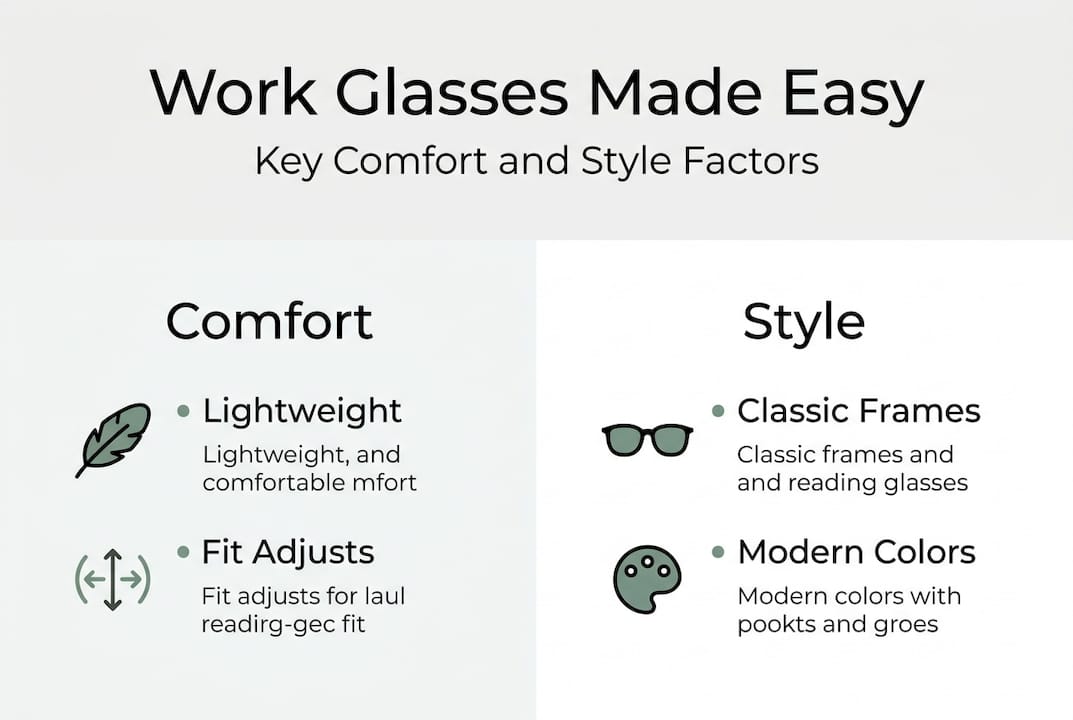
Blue light filtering lenses generate considerable debate. Manufacturers claim they reduce eye strain and improve sleep by blocking high-energy visible light from screens. However, evidence remains mixed. Some users report subjective improvements in comfort during extended screen time, whilst rigorous studies show minimal measurable benefit for most people. The Cochrane review found limited evidence that blue light filters provide significant visual performance or macular protection benefits compared to non-filtered lenses.
Consider these factors when deciding on blue light filters:
- If you experience sleep disruption after evening screen work, filters might help by reducing circadian rhythm interference
- Those with existing light sensitivity may notice subjective comfort improvements
- The coating adds minimal cost, making it a low-risk addition if you’re curious
- Don’t rely on blue light filters as a substitute for proper lens prescription and regular breaks
Pro Tip: Combine anti-reflective coating with the 20-20-20 rule for maximum strain reduction. Every 20 minutes, look at something 20 feet away for 20 seconds. This simple habit, paired with quality coatings, delivers more relief than blue light filters alone.
Your work habits should guide coating choices. If you’re constantly in video meetings, anti-reflective coating becomes essential. Those working with detailed graphics or colour-critical tasks should avoid heavy tints that alter colour perception. Explore options at reading glasses work comfort productivity to understand how lens features align with specific professional demands.
Selecting stylish and comfortable frames for all-day wear
Frames serve dual purposes in professional settings, providing the structural foundation for your lenses whilst projecting your personal style. The wrong frames create physical discomfort and visual distraction, whilst the right choice becomes so comfortable you forget you’re wearing them.
Lightweight materials prevent the gradual pressure buildup that leads to headaches and sore spots. Acetate and TR-90 frames with ergonomic design significantly reduce strain during eight-hour workdays. These materials flex slightly to accommodate head movements without loosening, maintaining consistent positioning that keeps your vision clear. Weight distribution matters as much as total weight. Frames balanced across the bridge and temples prevent the nose-diving that requires constant adjustment.

Ergonomic fit prevents the neck strain that develops when frames sit incorrectly. Glasses positioned too low force you to tilt your head back to see through the correct lens area, creating tension across your shoulders and upper back. Frames sitting too high push against your eyebrows, causing pressure headaches. The ideal fit positions lenses at a natural angle matching your typical head position whilst working.
| Frame material | Weight (typical) | Durability | Flexibility | Best for |
|---|---|---|---|---|
| TR-90 | 15-20g | Excellent | High | Active professionals, all-day wear |
| Acetate | 20-28g | Very good | Moderate | Style-focused users, premium feel |
| Titanium | 12-18g | Outstanding | Low | Lightweight priority, sensitive skin |
| Stainless steel | 18-25g | Excellent | Low | Modern aesthetics, durability |
Frame shape and colour communicate professionalism whilst expressing personality. Conservative industries typically favour classic shapes like rectangles and ovals in neutral colours such as black, tortoiseshell, and gunmetal. Creative fields allow more experimental choices including bold colours and distinctive shapes. Consider your face shape when selecting frames:
- Round faces benefit from angular frames like rectangles that add definition
- Square faces look balanced with rounded or oval frames that soften strong jawlines
- Oval faces suit most frame shapes, offering maximum flexibility
- Heart-shaped faces pair well with bottom-heavy frames that balance wider foreheads
Australian brands combine local design sensibility with understanding of our working conditions and style preferences. Ministry of Sight offers collections specifically curated for professional environments, balancing function with fashion. Dresden Vision provides premium options for those seeking distinctive European-influenced aesthetics. These local brands understand Australian workplace culture, offering frames that transition seamlessly from office to after-work activities.
Pro Tip: Choose frames with spring hinges that flex outward when putting glasses on or taking them off. This feature extends frame life dramatically by preventing the loosening that occurs with rigid hinges, whilst providing comfort insurance if you accidentally sit on your glasses.
Regular eye examinations ensure your prescription remains current as your vision changes. The WHO recommends routine exams for visual display terminal workers to verify intermediate distance lens fitting and prevent cumulative strain. Most professionals should schedule comprehensive eye exams every two years, or annually after age 40 when presbyopia progresses more rapidly. These examinations catch prescription changes before they impact your productivity and comfort.
Browse stylish eyewear examples to see how contemporary frames balance professional requirements with personal expression. The rectangular reading glasses collection demonstrates how classic shapes adapt to modern materials and finishes, offering options suitable for any workplace whilst maintaining individual style.
Explore reading glasses accessories and collections
Once you’ve selected your ideal work glasses, protecting and maintaining them ensures they deliver value throughout their lifespan. Ministry of Sight’s reading glasses accessories collection provides practical solutions that keep your glasses clean, secure, and always within reach.
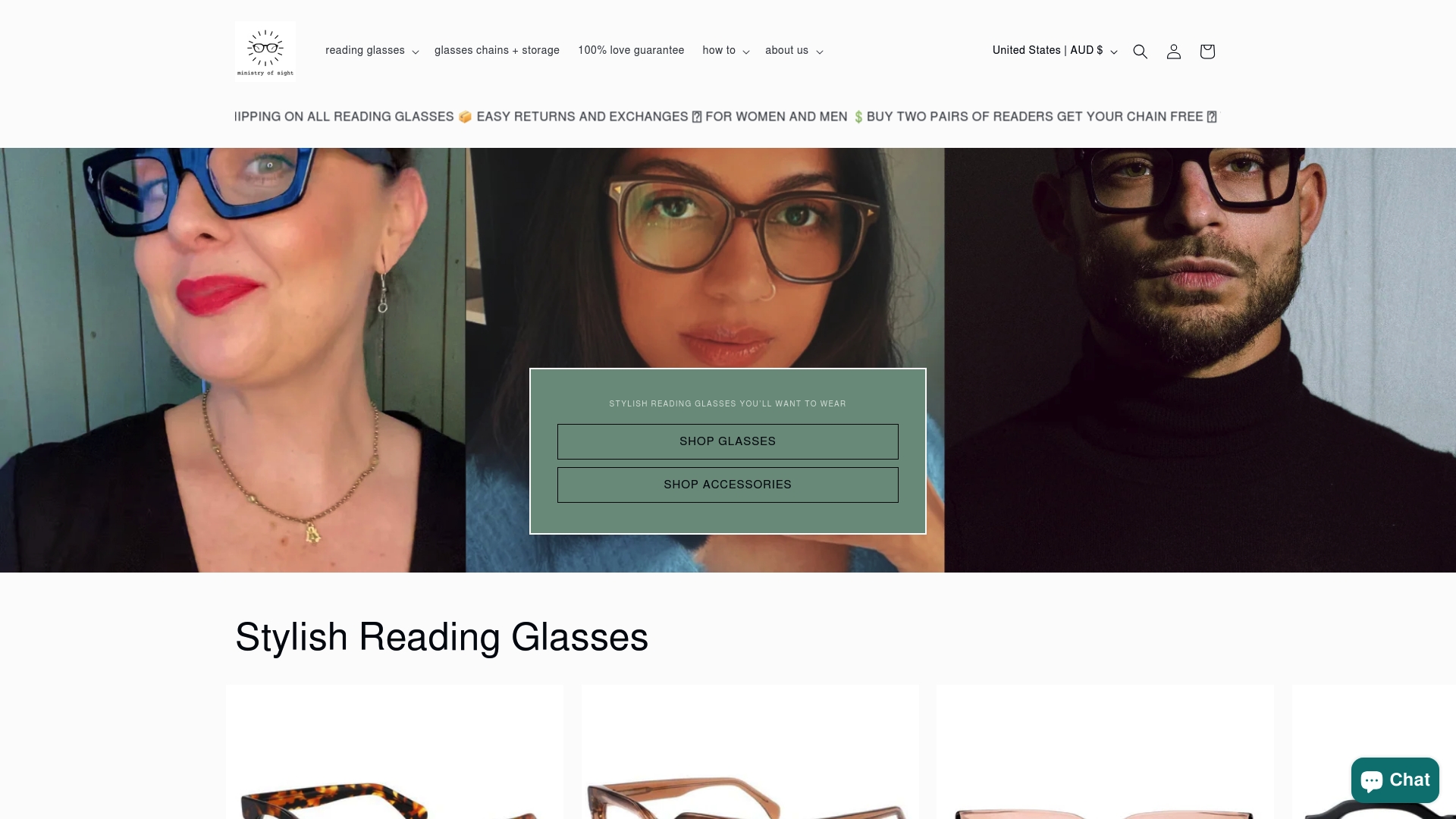
Eyewear chains transform from grandmother’s accessory to modern professional tool when designed with contemporary aesthetics. Eyewear leashes in sleek metals or subtle beads ensure your glasses stay with you during meetings, preventing the frustrating search when you need to reference documents. These accessories prove particularly valuable for professionals who alternate between computer work and face-to-face interactions, allowing quick transitions without misplacing glasses.
Explore the complete range at Ministry of Sight, where free shipping across Australia removes the barrier of trying new styles. The curated collections focus specifically on Australian professionals’ needs, offering frames and accessories designed for our climate and workplace culture. Regular promotions and buy-one-get-one deals make maintaining backup pairs affordable, ensuring you’re never without clear vision when your primary glasses need cleaning or repair.
Choosing reading glasses for work frequently asked questions
What’s the difference between single-vision and progressive lenses for office work?
Single-vision occupational lenses dedicate the entire lens surface to your intermediate working distance, providing a wide clear field of view ideal for computer work without peripheral distortion. Progressive lenses incorporate multiple focal distances in one lens but offer a narrower intermediate corridor that requires specific head positioning, making them less optimal for dedicated desk work despite their versatility for varied tasks.
Do I really need blue light filtering lenses for my work glasses?
Blue light filters show mixed scientific evidence for reducing eye strain or protecting eye health, though some users report subjective comfort improvements during extended screen time. Anti-reflective coatings provide more proven benefits by reducing glare and reflections. If blue light filters interest you and add minimal cost, they’re worth trying, but prioritise correct prescription and quality coatings first.
How do I keep my work glasses scratch-free and comfortable throughout the day?
Store glasses in a protective case when not wearing them, clean lenses with microfibre cloths rather than clothing or tissues, and use proper eyeglass cleaning solution instead of household cleaners. Have your optician adjust the fit every six months to maintain comfort as frames naturally loosen, and consider scratch-resistant coating when purchasing new lenses to extend their lifespan.
When should I visit an optometrist for an updated prescription?
Schedule comprehensive eye exams every two years if you’re under 40, or annually once you reach 40 as presbyopia progresses more rapidly with age. Visit sooner if you experience headaches, eye strain, or notice your current glasses no longer provide clear comfortable vision at your working distance, as these symptoms indicate your prescription may have changed.
Can I use the same reading glasses for computer work and reading books?
Standard reading glasses designed for 30 to 40 centimetre book distance won’t provide optimal clarity at the 50 to 75 centimetre distance of computer screens, forcing your eyes to strain. Dedicated computer glasses or occupational lenses calibrated for intermediate distances deliver better comfort and vision for screen work, whilst separate reading glasses serve close work more effectively.
What frame features matter most for all-day comfort at work?
Lightweight materials like TR-90 or acetate reduce pressure during extended wear, whilst adjustable nose pads allow customised fit that prevents slipping. Spring hinges provide flexibility that extends frame life and comfort, and proper weight distribution across the bridge and temples prevents the concentration of pressure that causes headaches and sore spots during long workdays. Explore options for reading glasses every Australian should own to find frames combining these essential comfort features.
Recommended
- Reading Glasses at Work – Boosting Comfort and Productivity – MINISTRY OF SIGHT
- 7 Smart Tips to Choose Reading Glasses for Work Success – MINISTRY OF SIGHT
- Reading Glasses for Computer Work: Digital Comfort – MINISTRY OF SIGHT
- Reading Glasses Comfort Tips That Really Work – MINISTRY OF SIGHT
Our Best Reading Glasses Australia guide covers frame quality, lenses, fit and the features worth considering before you buy.


